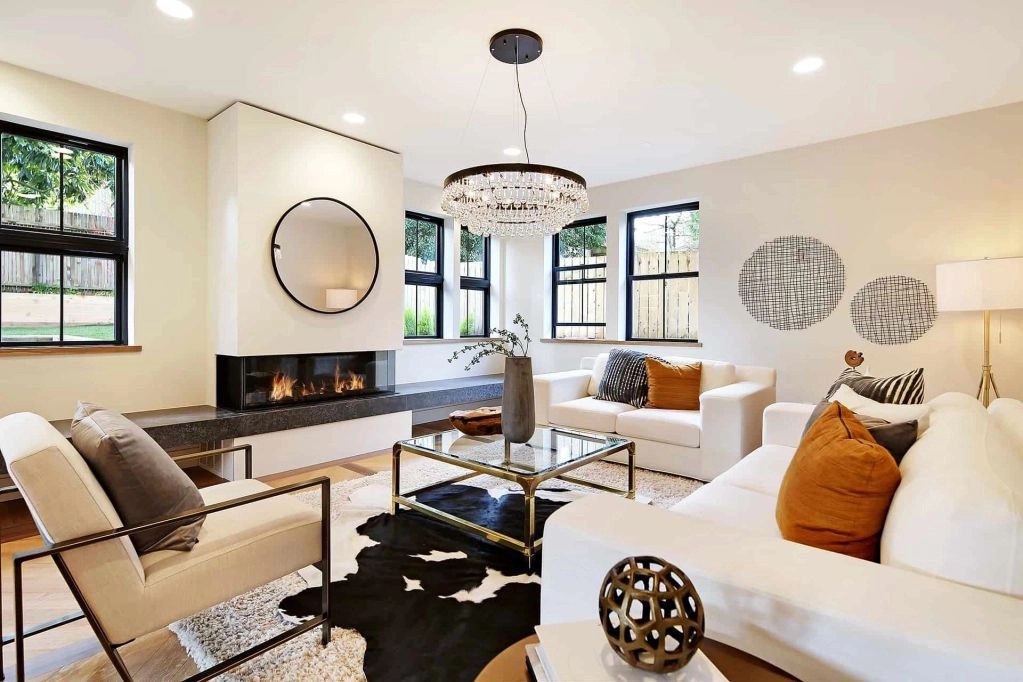
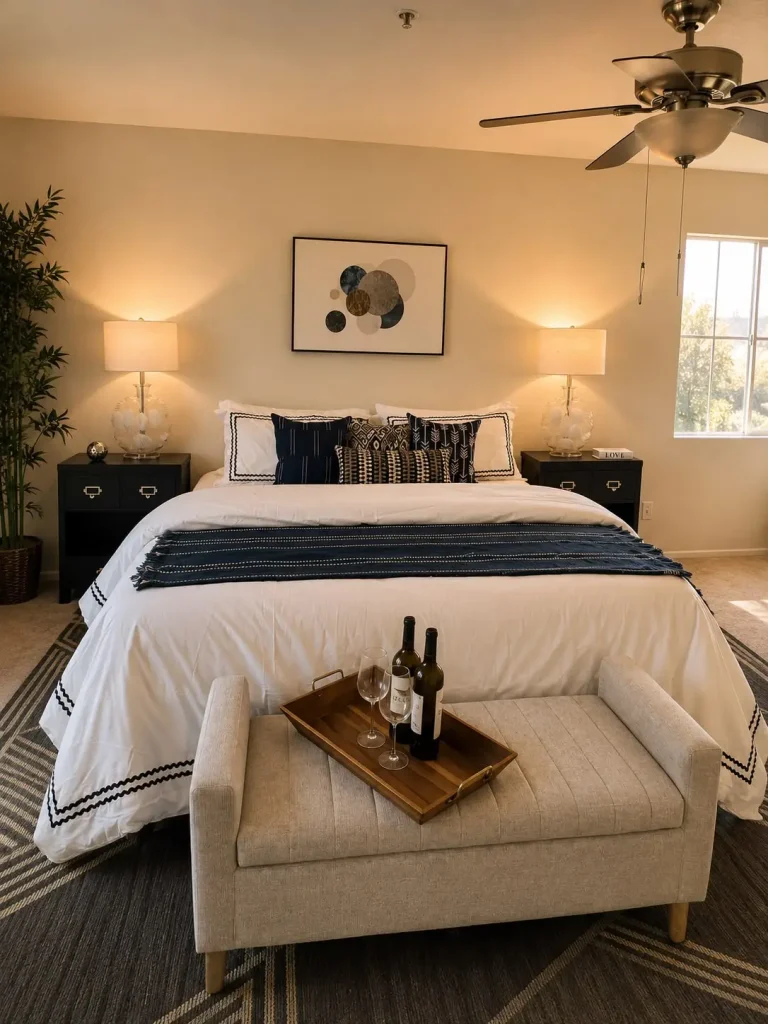
Click-through rates drop fast when buyers see photos that feel “too good.” Shiny floors with no footprints, cloned sofas, and odd light angles trigger one thought: “What are they hiding?” Today’s shoppers zoom, screenshot, and share MLS links with friends before ever booking a tour. If anything looks off, they swipe to the next house. In a market where most listings meet buyers online first, honest staging beats flashy tricks. In this blog, we show how to help viewers picture daily life in the space, not a magazine fantasy. We outline five common slip-ups that make virtual tours feel fake, why they happen, and easy fixes that even a busy agent can handle before uploading the next batch of photos.
Overbright Photos Hide Flaws And Raise Doubts
A quick slide on your camera’s exposure bar can wash out texture, soften corners, and erase wear. While bright images grab attention, an overlit room looks flat and unnatural on a buyer’s phone. Technical note: most phone cameras top out at 12-bit color depth. When you crank exposure in-app, you crush highlight data and add “noise” around objects. MLS compression then amplifies that noise, giving walls a glowing edge. Shoppers notice.
Quick ways to keep light honest:
- Use a gray card. Snap one test shot, then lock white balance to avoid blue ceilings or yellow floors.
- Bracket three exposures. Merge them in free HDR software, so windows stay bright without losing wall detail.
- Bounce flash off the ceiling. This lifts shadows without turning the room into a lightbox.
When light feels real, online viewers trust the space and schedule showings instead of wondering what the camera is hiding.
Virtual Furniture With Impossible Shadows Looks Suspicious
Digital sofas save hauling costs, but careless placement screams “Photoshop.” The biggest giveaway is a shadow that falls north while every real object casts south. Render engines need a matching light map, or buyers spot the glitch. File types matter: PNGs maintain transparency; JPEGs embed background bleed. If your staging software exports to JPEG by default, edges blur and halos appear.
Keep virtual elements believable:
- Shoot the empty room first, noting sun angle and bulb color.
- Import a matching 3D light preset before adding furniture. Most apps label presets by Kelvin temperature—choose one within 300 K of the original.
- Save finished images as 16-bit TIFF, then down-convert in batches to MLS-friendly JPEG, which keeps shadows smoother.
Accurate virtual staging helps buyers judge scale and layout instead of debating whether anything in the photo is real.
Copy-Paste Art On Walls Breaks Buyer Trust
Repeating the same framed print in every bedroom spares rental fees, yet it feels robotic. Image-editing shortcuts like “duplicate layer” leave identical highlight specks that sharp-eyed viewers catch. JPG compression patterns even repeat pixel noise, a dead giveaway. From a technical angle, human eyesight notices symmetry errors faster than color mismatches—research shows viewers detect repeated elements within 250 ms.
Better wall strategies:
- Photograph one neutral canvas in good light, then use perspective warp to fit it to each wall instead of duplication.
- Mix stock photos: choose varying aspect ratios (4:3, 3:2, 1:1) so no two rooms match exactly.
- Add depth by tilting frames five degrees during shooting; this creates unique highlights that prove against copy detection.
Fresh, varied art helps each room feel thoughtfully prepared rather than mass-produced in a photo-editing loop.
Cloned Plants Repeated In Every Room Signal Editing
That same spider plant showing up in five angles suggests a single pot dragged around or, worse, Ctrl-C/Ctrl-V. MLS metadata logs image capture time; when timestamps differ by seconds, buyers assume cloning. Even if the plant was physically moved, the rapid timeline feels staged. Sensor dust spots also duplicate—clone a plant and you copy the dust too.
Show plant life naturally:
- Rotate three real plants with distinct leaf shapes: tall fiddle leaf, trailing ivy, compact succulent.
- Water plants before shooting; fresh leaves reflect light irregularly, proving authenticity.
- For virtual greens, apply unique hue rotations of 3–5 degrees so no two plants share identical RGB values.
Variety sells a lived-in feel, making each photo a new invitation rather than a puzzle buyers must solve.
No Realistic Wear Around High Traffic Zones
Listings that show pristine door handles, spotless baseboards, and glass-smooth flooring can feel “stock photo” perfect. Yet microscopic cues such as minor scuffs or faint carpet compression help brains confirm reality. Modern DSLR sensors capture up to 45 megapixels, enough to expose fingerprints on stainless steel. Overuse of noise-reduction plugins blurs these details, creating a plastic sheen.
Add honest texture without highlighting damage:
- Lightly brush stainless handles with a microfiber cloth, not polish—natural smudge gradients stay.
- Keep one well-placed rug in hallways to mute scratches while letting floor grain peek around edges.
- Dial noise-reduction sliders below 20 % in editing software; this balances clarity with file size.
Leaving small, believable marks tells buyers the home has been loved, not computer-generated.
Conclusion
Online shoppers decide within seconds whether a listing feels real. By steering clear of overbright photos, mismatched virtual shadows, cloned decor, repeated plants, and plastic-smooth surfaces, you present a space that feels honest, livable, and worth a tour. Affordable Homes Staging applies these guidelines on every project, turning online clicks into scheduled showings and serious offers. When buyers trust what they see, they move quickly from scrolling to signing. Ready to stage with confidence and close sooner? Reach out to us today, and the right staging strategy will help your next listing stand out for all the right reasons to eager buyers.